Taxonomies
You can create different custom taxonomies (Features, Amenities, Activities, Destinations, etc.) from Ba Book Everything → Taxonomies admin menu to use them with the booking categories on the next step.
Note
Each taxonomy is created first as a term. Then, after updating the web page, the taxonomy appears in the main menu of the plugin with its name
/edit-tags.php?taxonomy=taxonomies_list&post_type=to_book
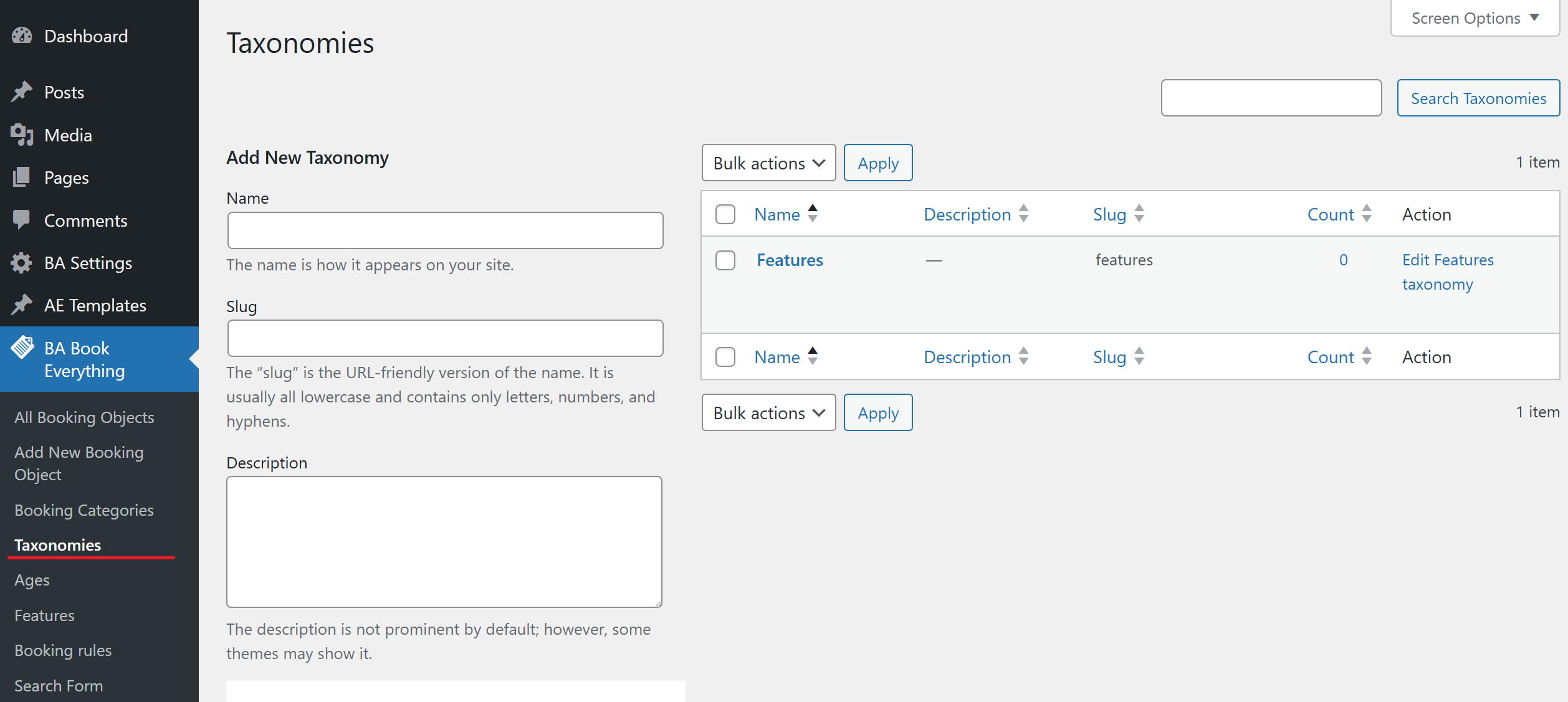
Add new taxonomy
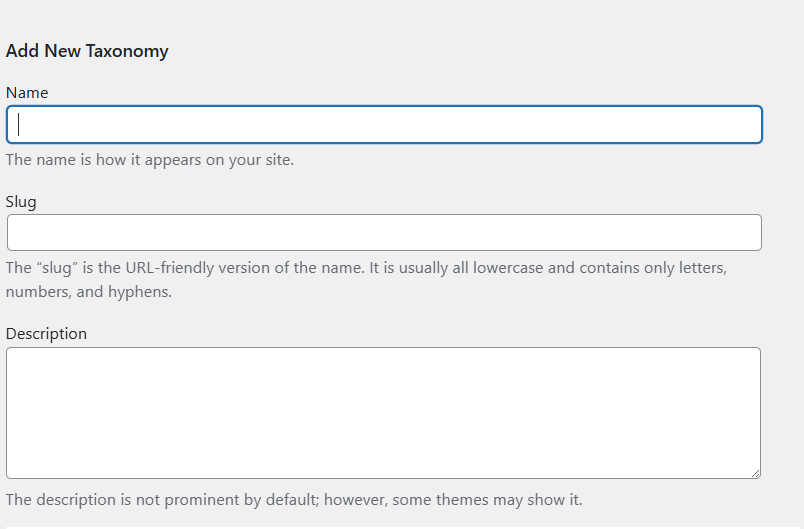
- Name - taxonomy name (how it appears on your site)
- Slug - The URL-friendly version of the name (lowercase, numbers, hyphens)
- Description - Description of the taxonomy (not prominent by default, some themes may display it)
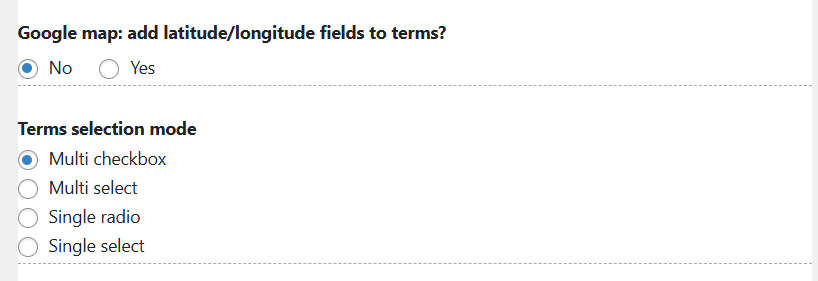
- Google map: add latitude/longitude fields to terms? - Adds latitude/longitude fields to taxonomy terms
- Terms selection mode
- Multi checkbox - multiple terms selectable via checkboxes
- Multi select - multiple terms selectable via dropdown list
- Single radio - single term selection via radio button
- Single select - single term selection via dropdown list
Display style and custom CSS class (should be supported in current theme)
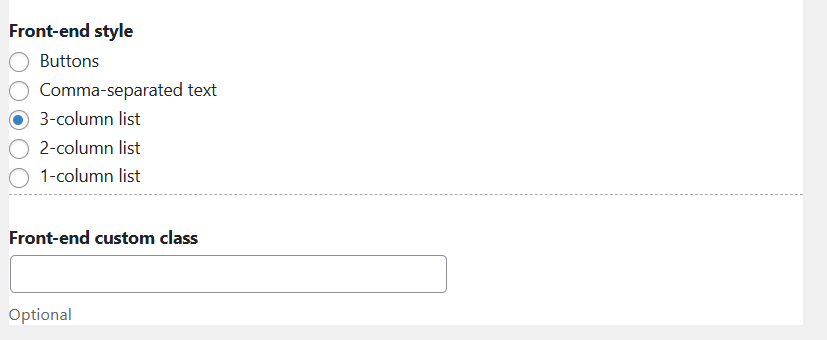
- Front-end style - display style on the site
- Front-end custom class - optional custom CSS class for styling