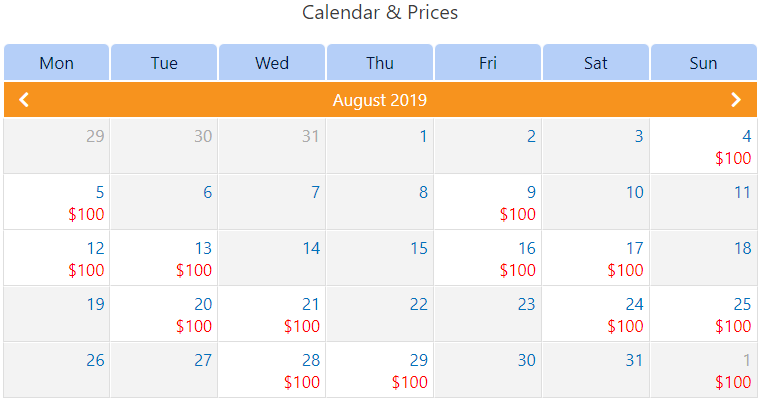
Availability calendar
The Availability Calendar is one of the main part of booking engine. You can find the Availability Calendar settings in "Basic settings" section of each booking object.
The main Availability Calendar settings could be partially overwritten by rates in "Prices" section. Since every rate has "Start days" option, you can exclude, for example, Monday from "Start days" in all rates, and the booking object will not available for booking on all Mondays.
Front-end
By default the Availability Calendar is shown on the booking object page on site front-end (you can change this on the BA Settings → Booking object admin menu). It contains prices for each available date (they are displayed when you hover over a cell) and is synchronized with the booking form widget.
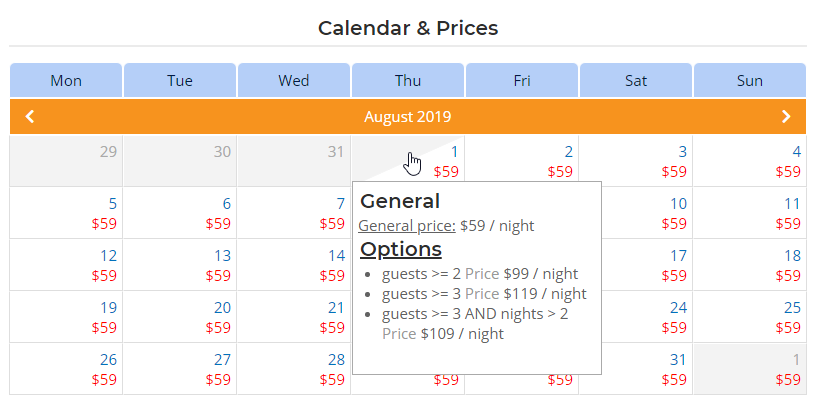
Below is an example of the calendar with cyclic availability