Search form builder
Use the Ba Book Everything → Search Form admin menu to customize the search form fields and tabs.
Search form is a widget, so you have to add it in a widget area of your site to display the form on the front-end
When using the plugin in conjunction with specialized booking themes, these settings must be supported by the theme
Tabs
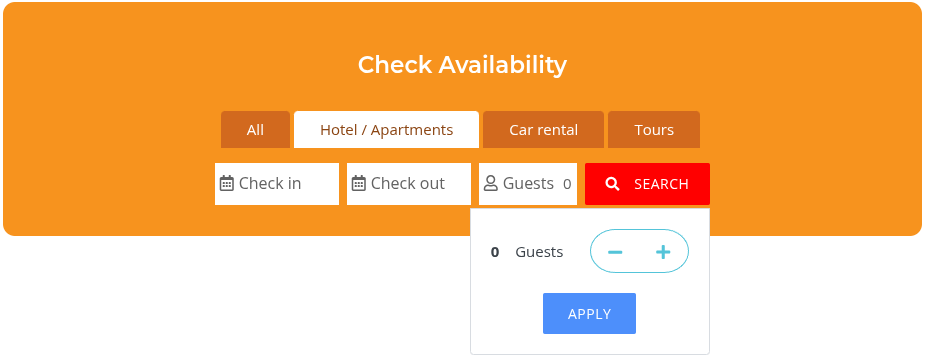
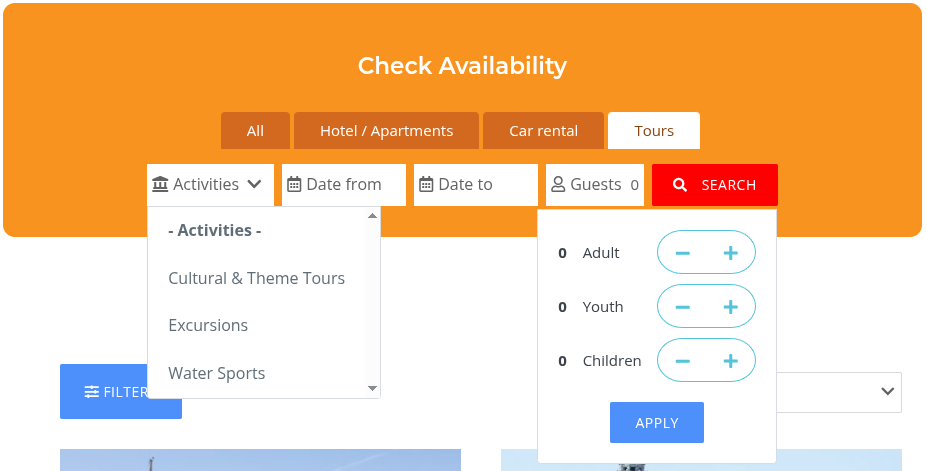
Tabs are used to display search form fields depending on the selected booking category. For example, when searching for apartments, the form will use two date fields for the start and end of the booking. However, when searching for a tour, it may be sufficient to specify just one date to begin the search. By default, tabs are disabled, and one set of fields is used to search across all booking categories.
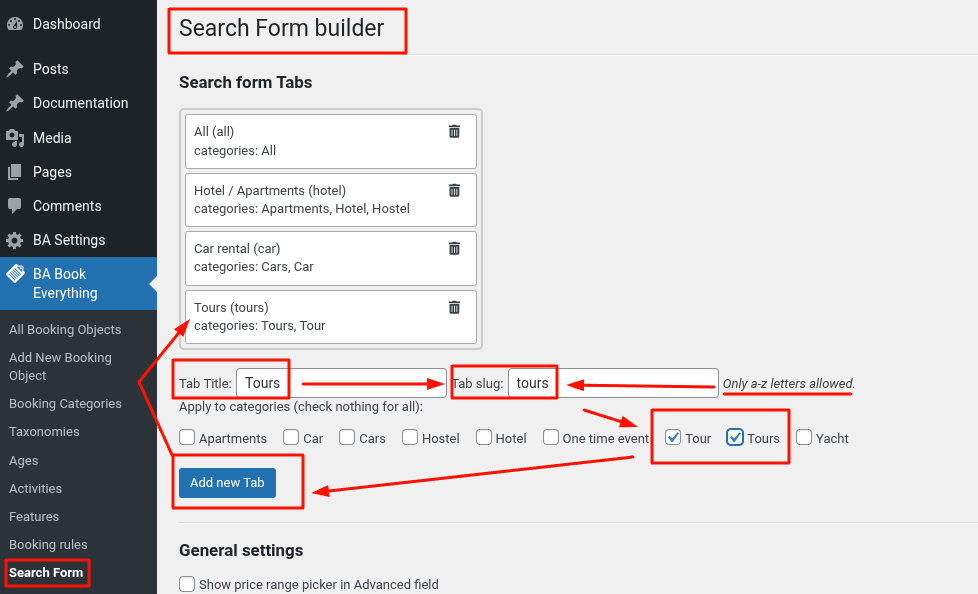
To add a new tab, specify the name that will be displayed, the tab slug (only a-z letters), and the booking categories in which the search will be performed. Then click "Add new Tab" button to save changes.
General settings
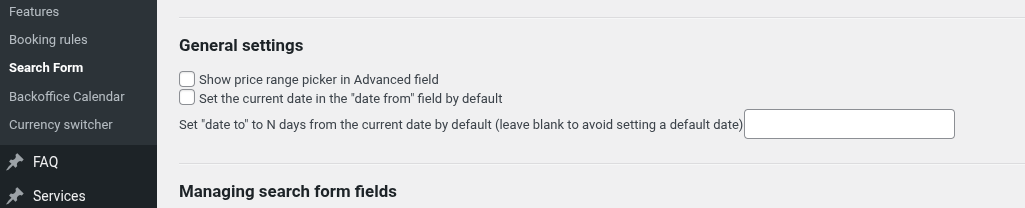
- Show price range picker in Advanced field - added a price range picker into popup filter
- Set the current date in the "date from" field by default - prefills the "date from" field
- Set "date to" to N days from the current date by default - prefills the "date to" field based on "date from" value
Managing search form fields
Here you can activate/deactivate some form fields and rearrange form fields by dragging and dropping them.
Available form fields include:
- Date from and Date to datepicker fields - Date from is required
- Guests - when Ages are enabled, shows separate counters per age group (ordered by the Ages taxonomy). Otherwise, shows a single total Guests counter
- Keyword - a simple text input field to search by any word
- Taxonomy terms dropdown select fields - from all custom taxonomies created in BA Book Everything → Taxonomies admin menu
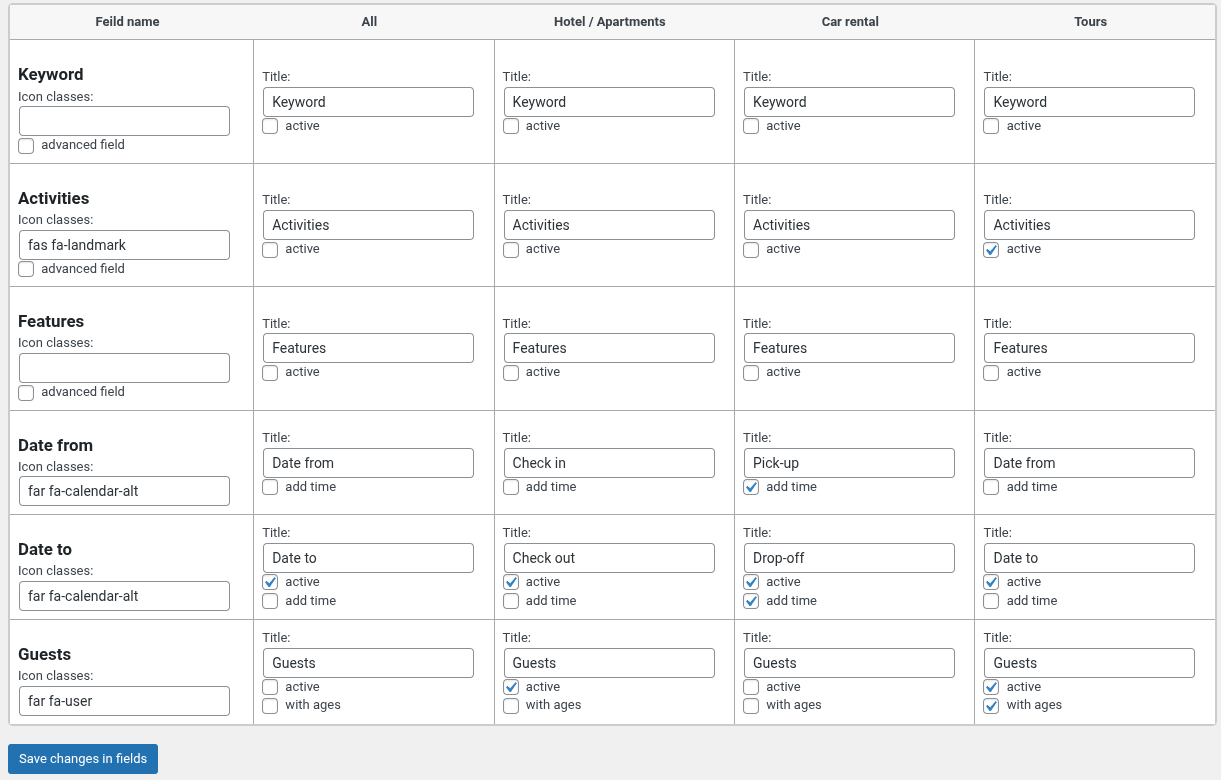
The example above generates search form with the following tabs
- All
- Hotel/Apartments
- Car rental
- Tours