Discount Coupons
Discount coupon features:
- Supports fixed amount or percentage discounts
- Can set usage limits, expiration date, and applicable services or objects
Note
To enable a coupon post type, you must first activate the coupons option in the BA Settings → Coupons admin menu
To create a new coupon navigate to Ba Book Everything → Coupons admin menu
/post-new.php?post_type=coupon
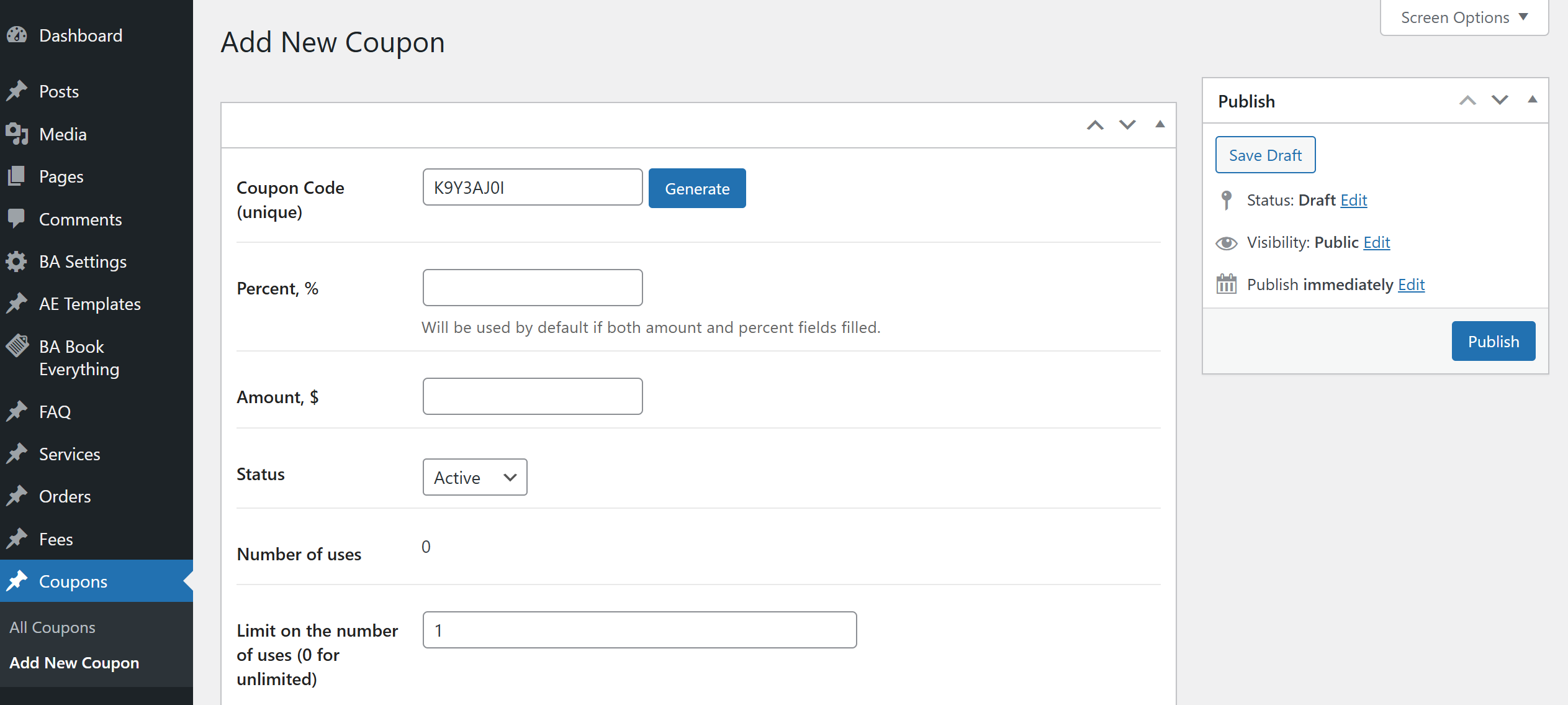
Adding new Coupon
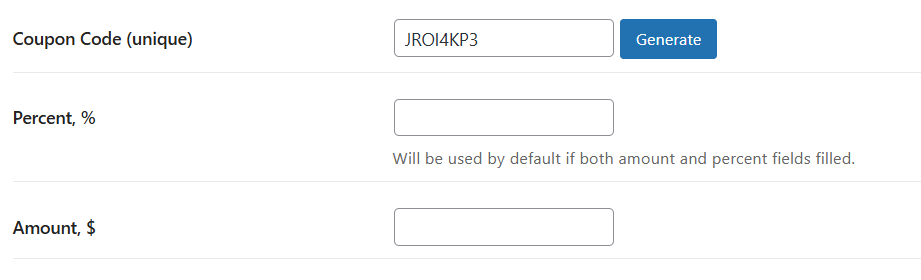
- Coupon Code (unique) - unique coupon code. Can be entered manually or generated automatically
- Percent, % - discount percentage. If both percentage and amount are filled, percentage will be used by default
- Amount - Fixed discount amount
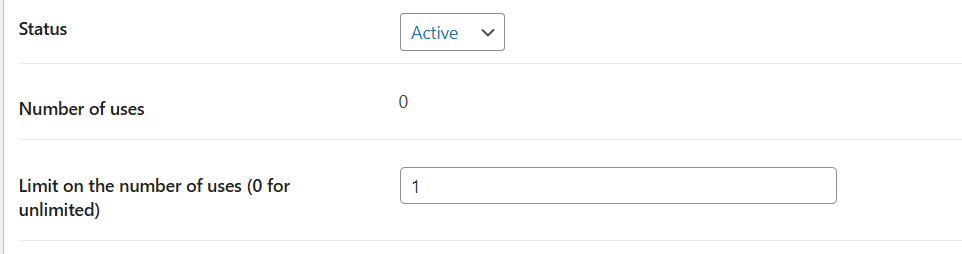
- Status - defines the current state of the coupon:
- Active
- Pending
- Used
- Expire
- Number of uses - shows how many times this coupon has already been used
- Limit on the number of uses (0 for unlimited) - limits the number of times a coupon can be used
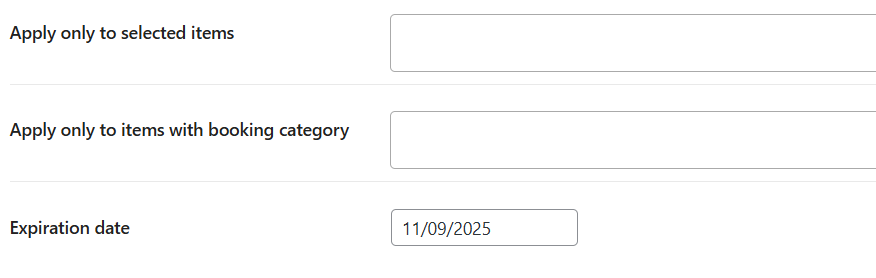
- Apply only to selected items - allows you to limit the validity of the coupon to only certain products
- Apply only to items with booking category - limits the application of the coupon to only products belonging to a specific booking category
- Expiration date - the date until which the coupon is valid