Order management
When using the automatic booking confirmation mode (default), order notifications and management are the same as described in the Order management section.
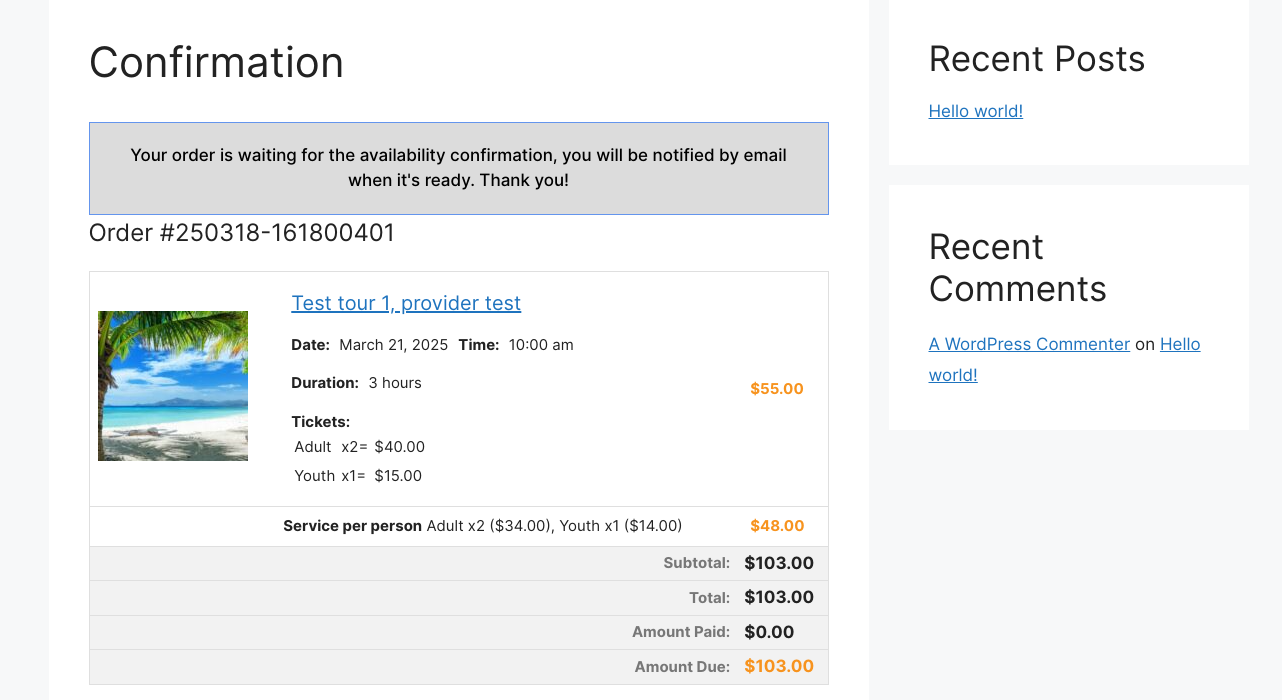
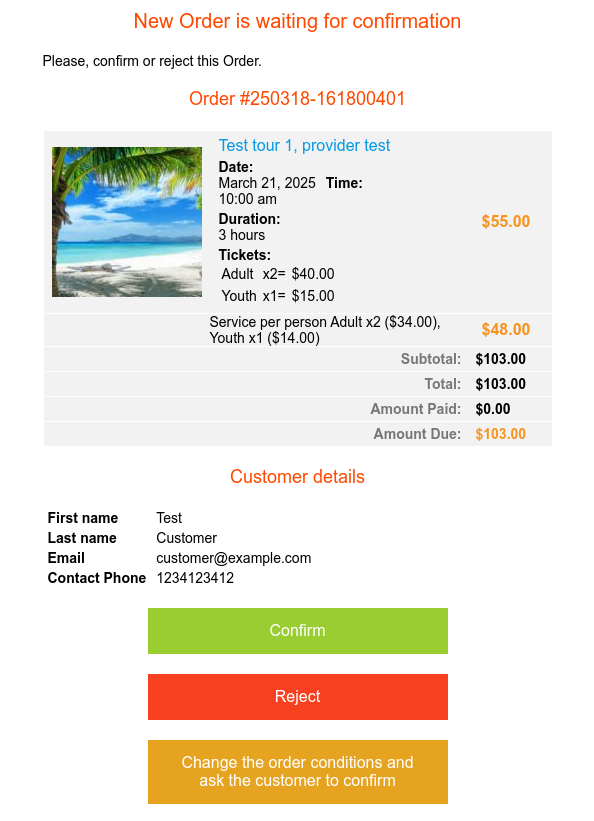
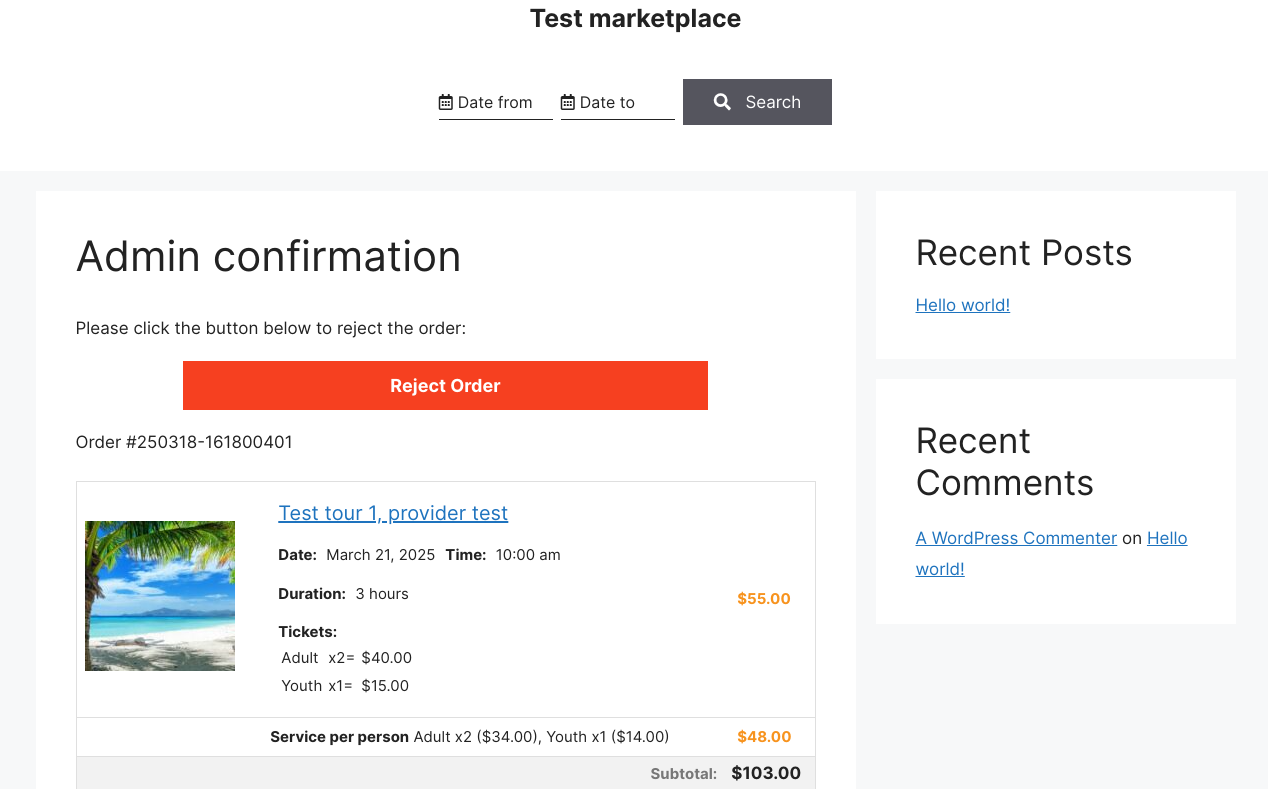
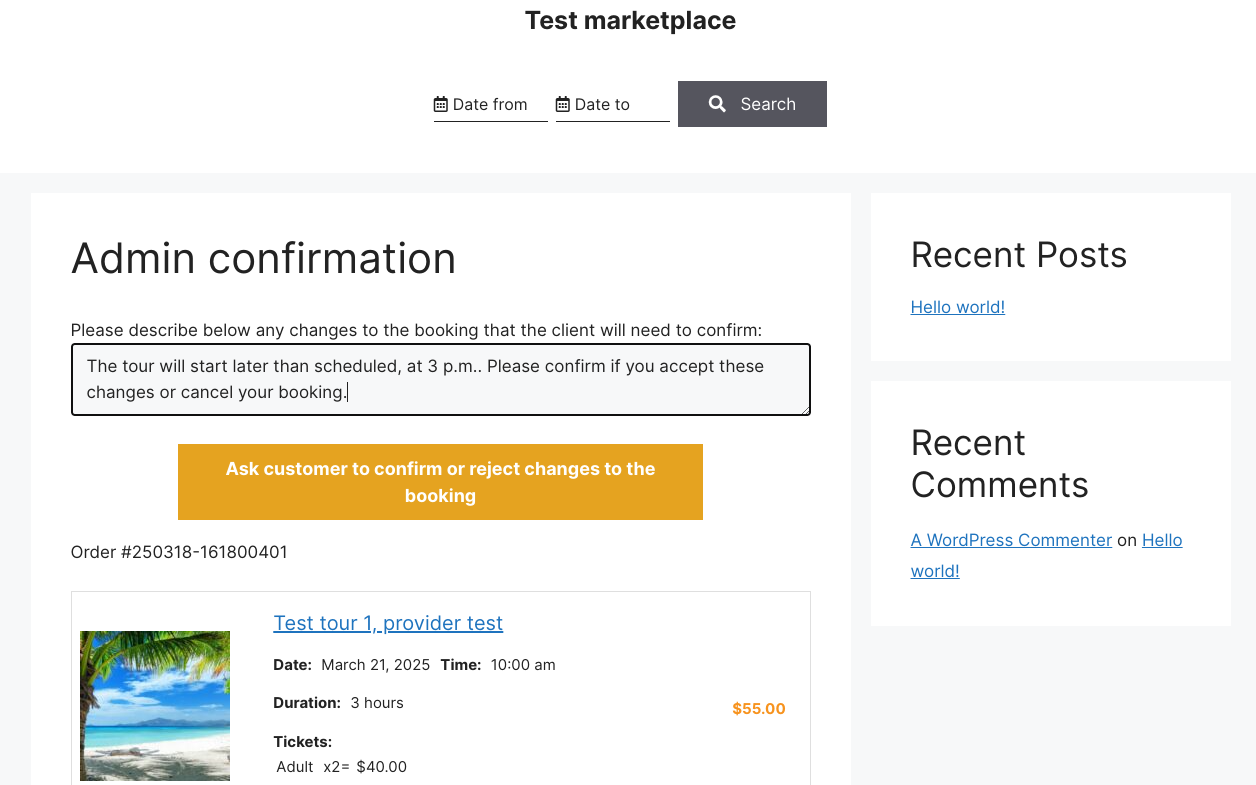
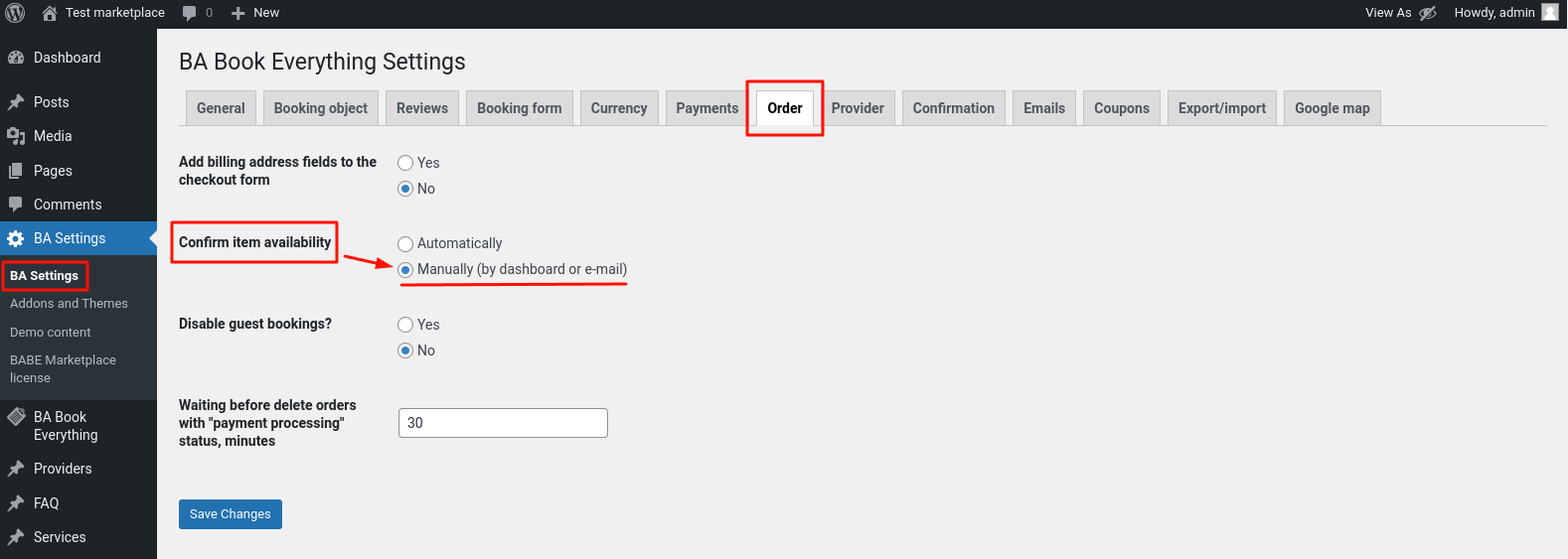
Using the manual order confirmation mode allows the provider to confirm the order or make changes to the order and notify the customer about the changes. The confirmation mode can be defined in the BA Settings → Orders admin menu.
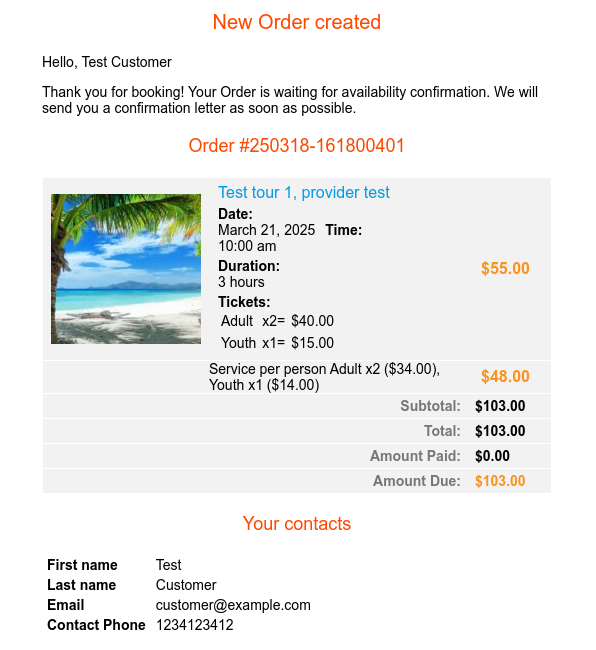
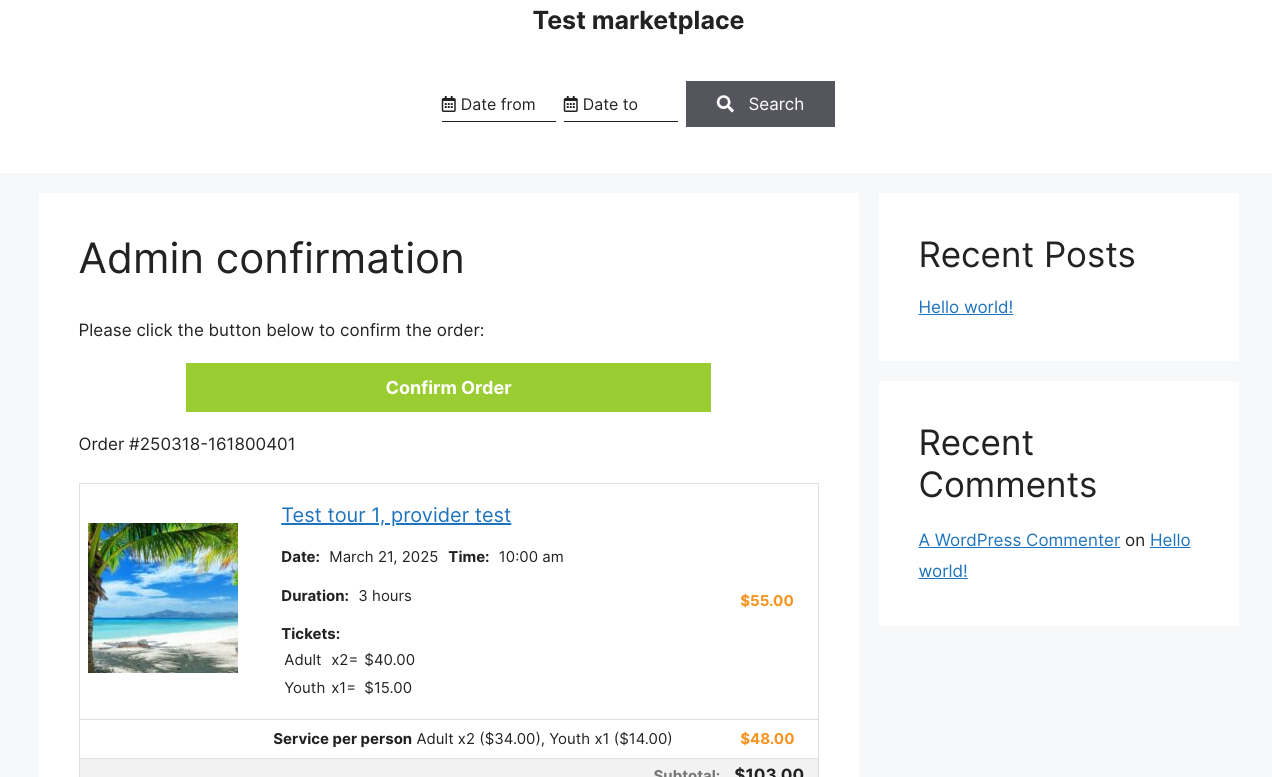
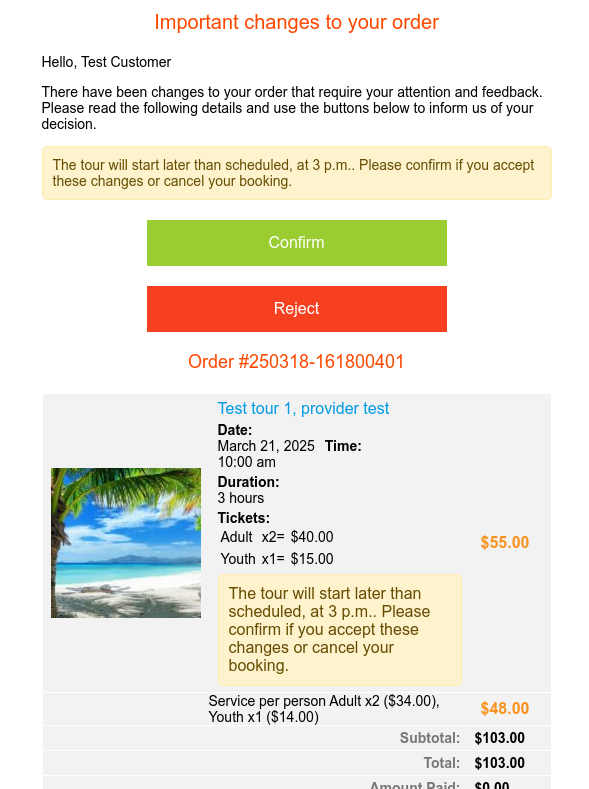
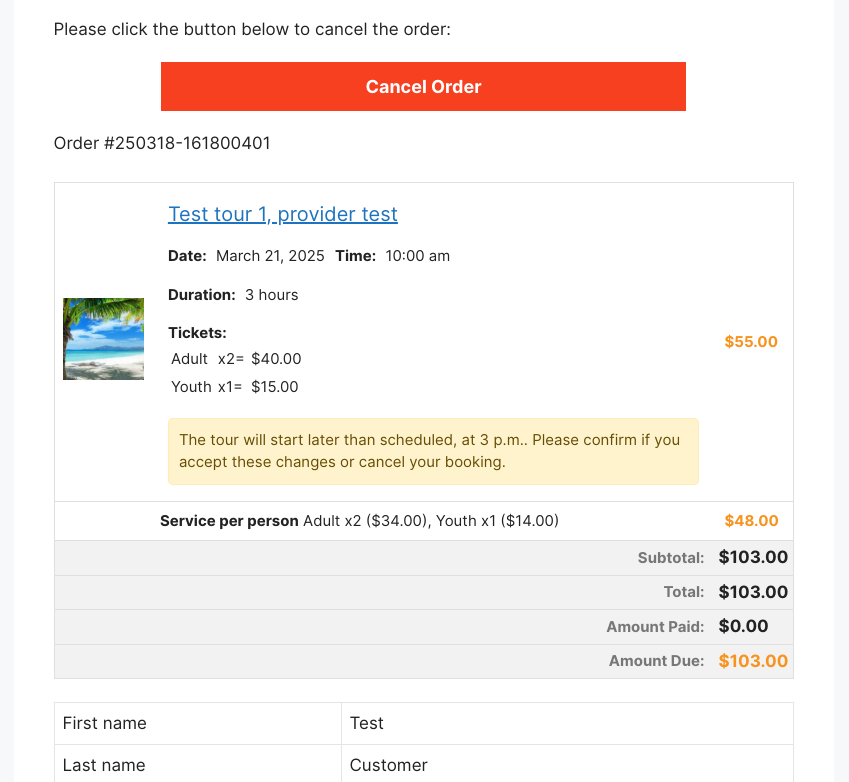
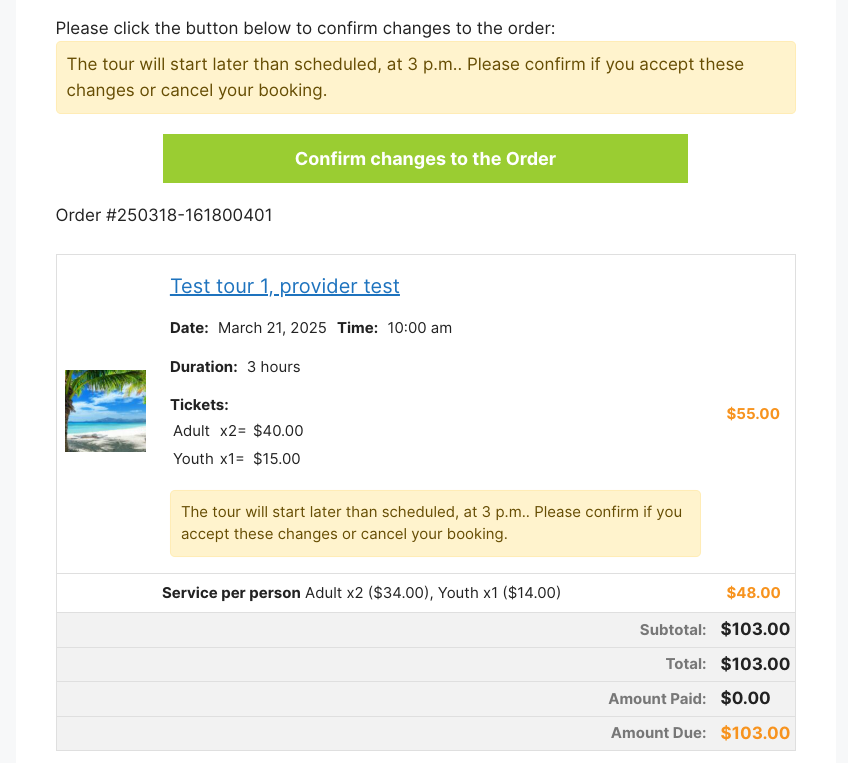
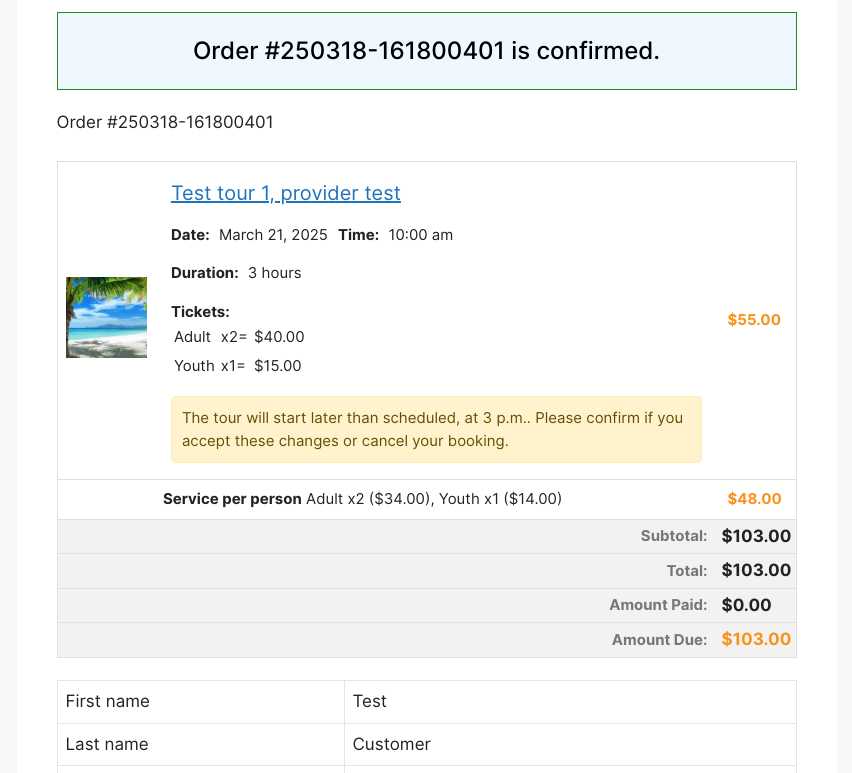
All tools (links) for order confirmation actions are sent in order confirmation emails both to providers and customers. So they can just click an appropriate button in the email and confirm their action on the site.