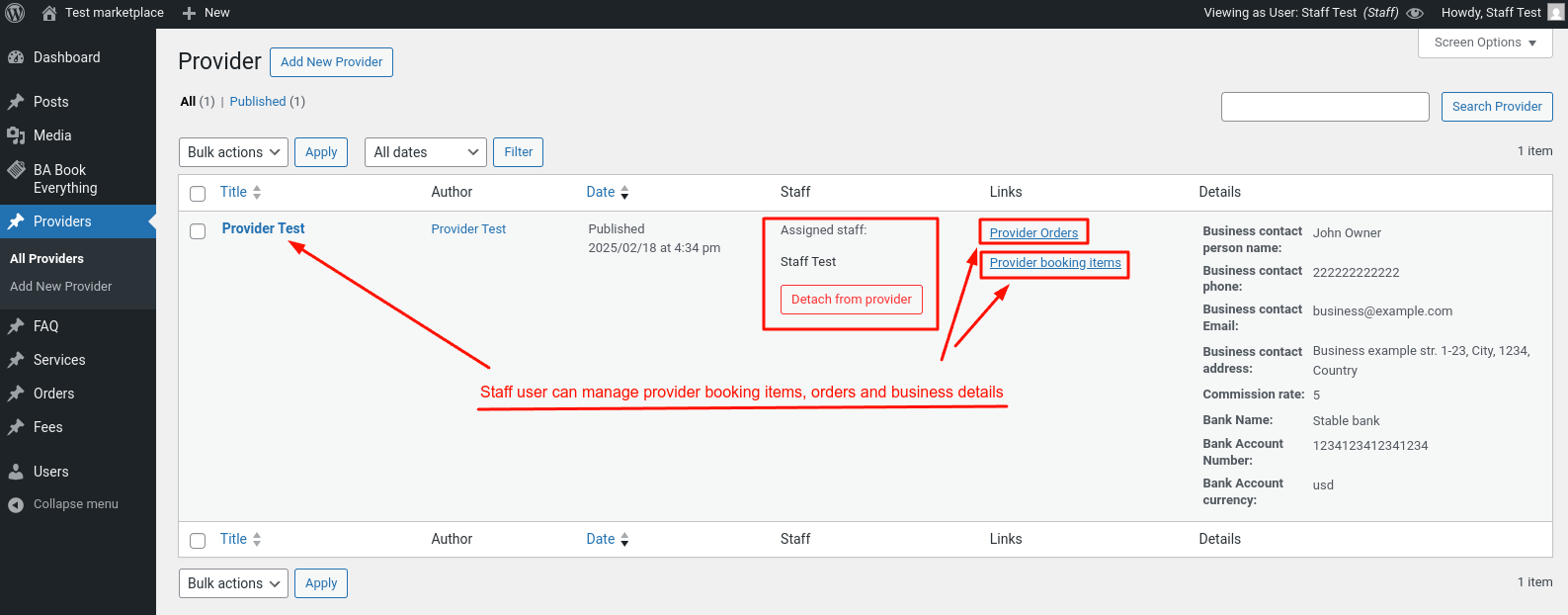
Creating a Staff user
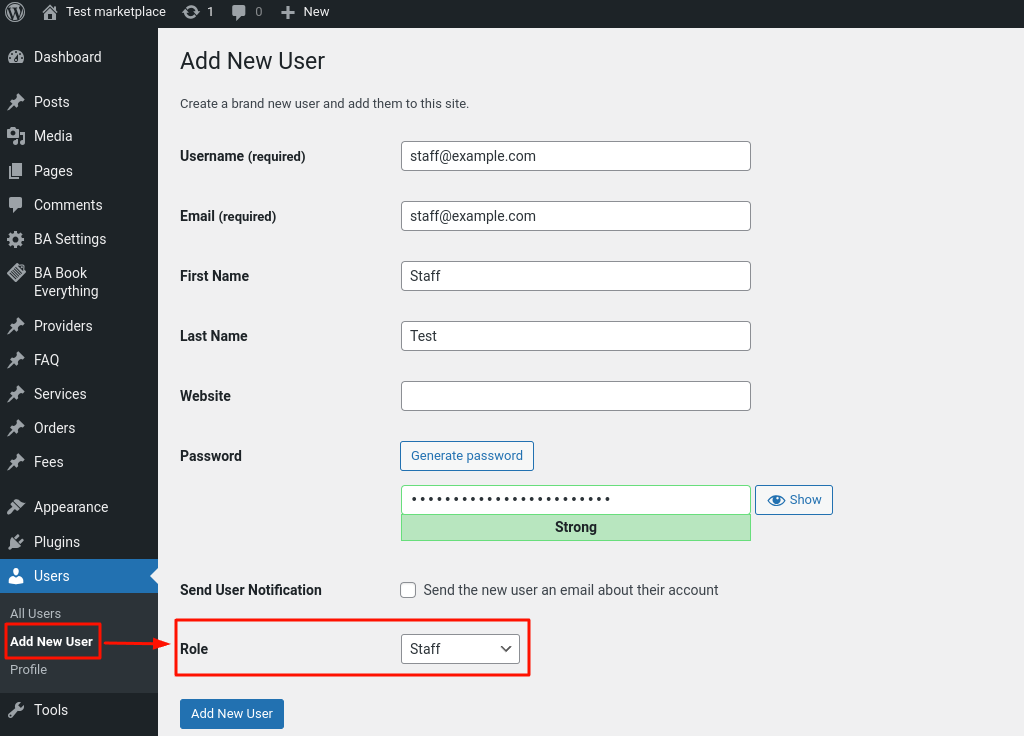
To create a staff user go to the Users → Add New User admin menu, fill out the form as usual when creating a user, and specify the role Staff.
Once a user has been created, it can be assigned to providers in the Providers admin menu.