Currency
Currency and price display settings
/wp-admin/admin.php?page=babe-settings
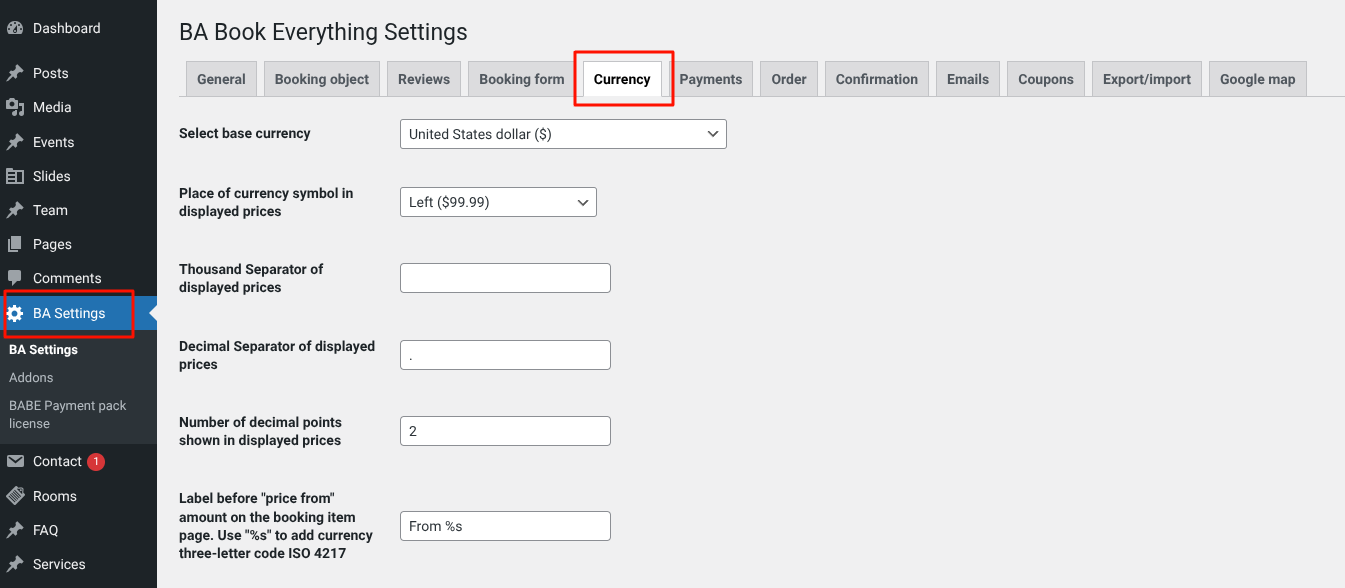
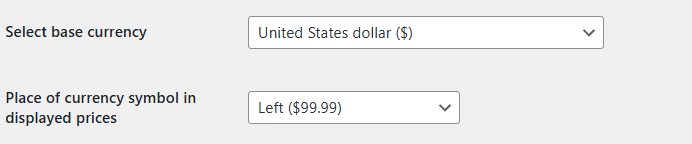
- Select base currency - Select the main currency for the site (USD, EUR, etc.)
- Place of currency symbol in displayed prices - Where to display the currency symbol: on the left ($99.99), on the right (99.99$), etc.

- Thousand Separator of displayed prices - The separator for thousands (e.g., a space, dot, or comma → 1,000 / 1.000 / 1 000)
- Decimal Separator of displayed prices - The separator for decimals (e.g., a dot → 99.99 or a comma → 99,99)
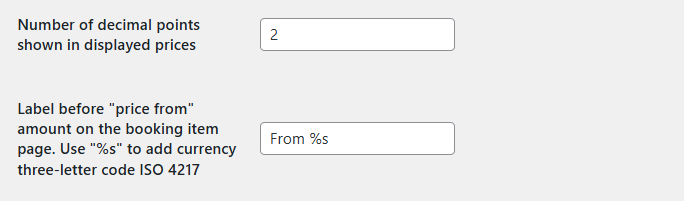
- Number of decimal points shown in displayed prices - How many decimal places to show (usually 0 or 2)
- Label for the "price from" amount on the booking item page - Use "%s" to add currency three-letter code ISO 4217